
Best Premiere Pro plugins for freelance video editors
A client-work tier list for freelance editors cutting talking heads, music videos, ads, podcasts, multicamera interviews, and social deliverables.

Best Premiere Pro plugins for freelance video editors
AI-assisted workflows inside Premiere ProFreelance editors do not get paid for collecting plugins. You get paid for delivering the cut, answering notes, keeping the project organized, and hitting the deadline without turning every small task into an hour.
The best plugin is the one that removes a repeated job from the kind of client work already on your drive. This list keeps the tools separate by what they actually do.
Quick Answer
For freelance work, choose by footage: AutoEdit for spoken first cuts, FastFX for high-energy effects, Premiere Gal Toolkit for reusable assets, Copy Pasta for incoming images, Spread for multicam prep, and Dagger for effect search.
Video walkthrough
The Premiere Pro plugins I actually use
1. AutoEdit Creator Mode by Eleven Percent
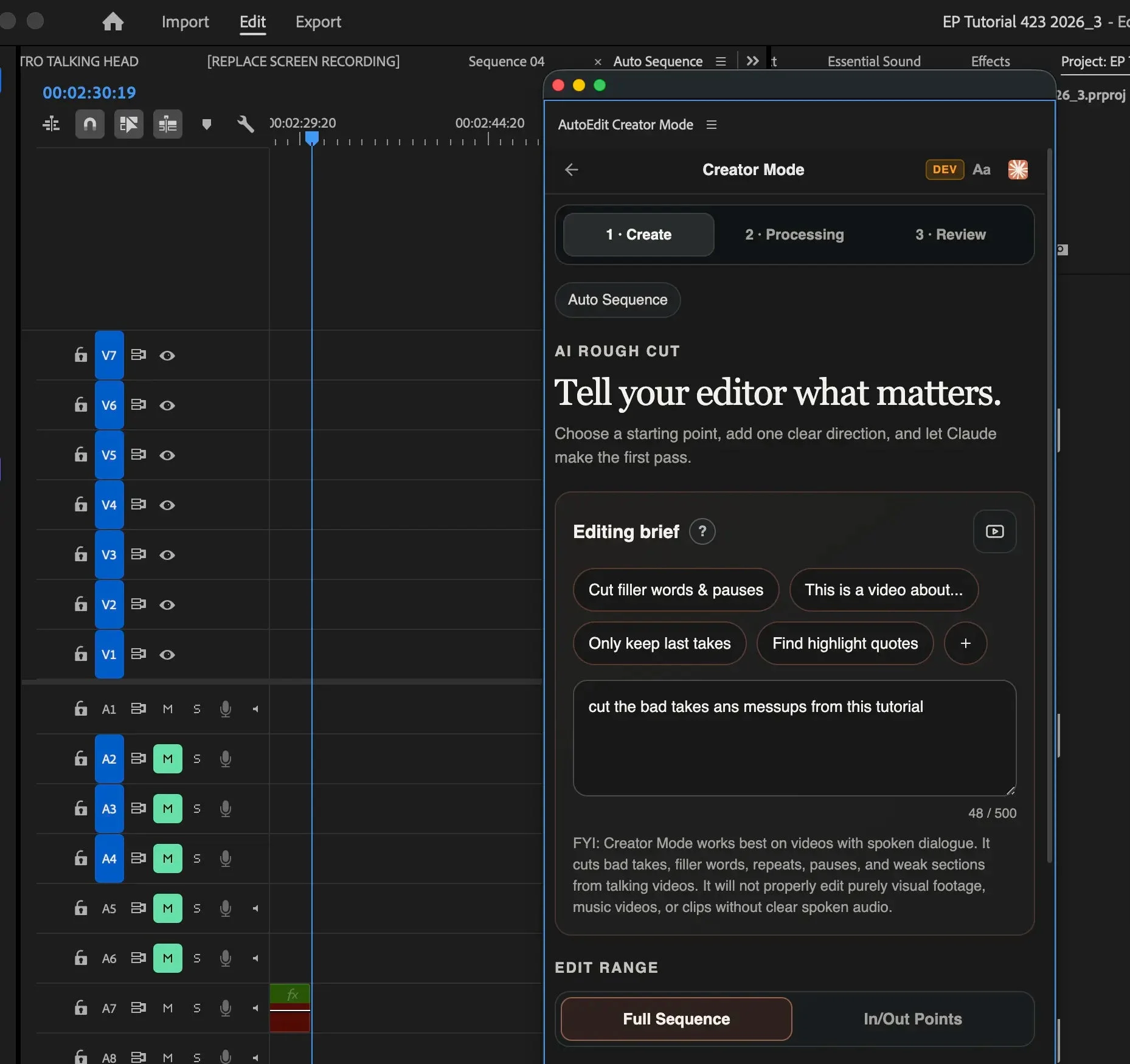
AutoEdit Creator Mode is built for freelance video editors working with spoken footage in Premiere Pro. You give it an editing brief, and Claude helps make the first pass through bad takes, repeats, filler words, pauses, and weak sections. The result stays on an editable Premiere timeline, so you can change every cut instead of accepting a locked export. It is strongest on talking heads, tutorials, interviews, podcasts, and other videos with clear dialogue—not silent montages.
The useful part is not pretending Claude has taste. Claude acts more like a handyman using Premiere Pro tools: it handles a defined first-pass job, then the editor takes over for the hook, pacing, B-roll, captions, sound, color, graphics, and client notes.
- Best for: dialogue-heavy first cuts
- Keeps the sequence editable in Premiere Pro
- Can follow a plain-English editing brief
- Still requires a complete editor review
2. FastFX by Jakob at Tiny Tapes
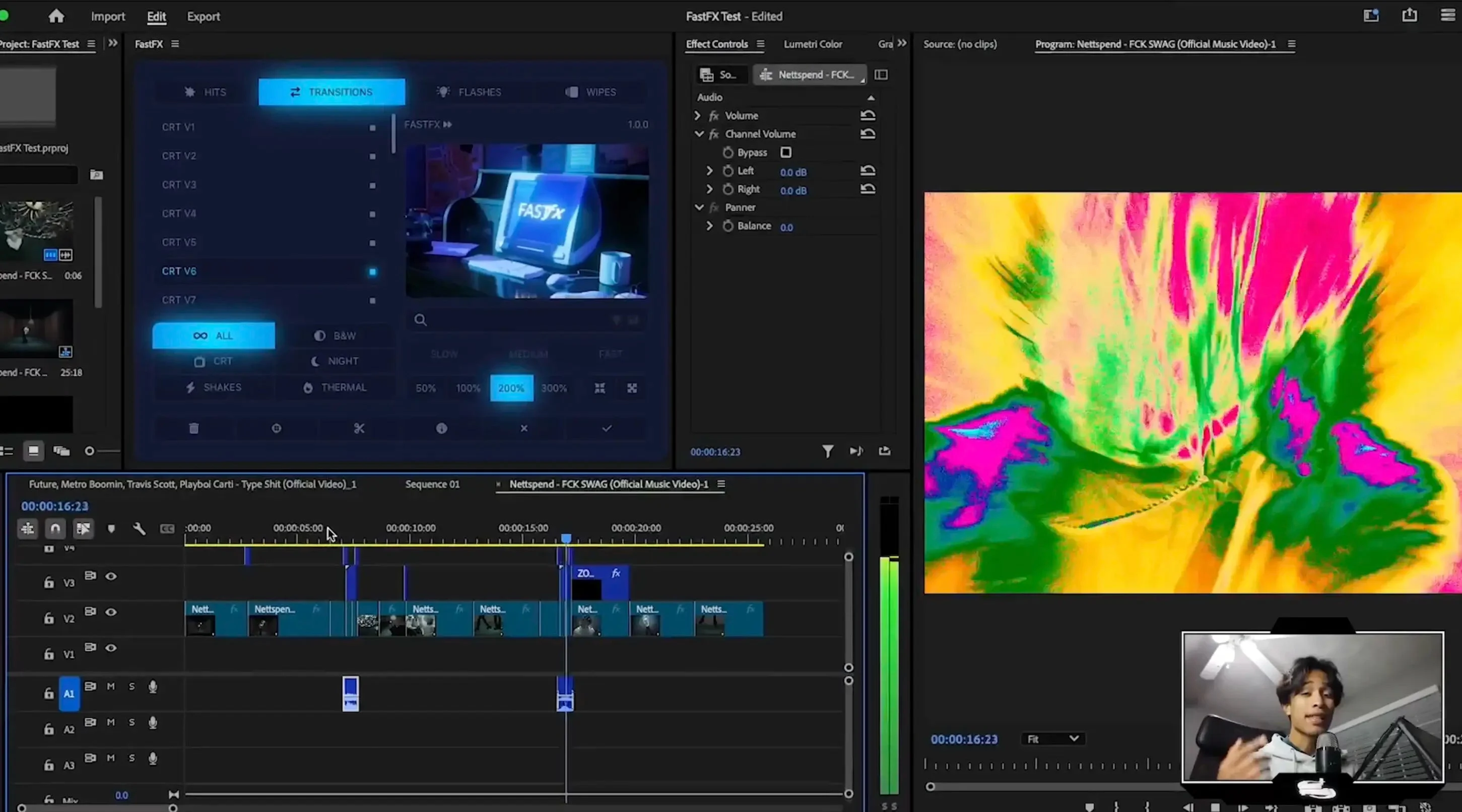
FastFX is for edits that need visible energy: music videos, sports cuts, car content, commercials, trailers, and hard-hitting social clips. Jakob built the panel around hits, transitions, flashes, wipes, shakes, CRT looks, black-and-white treatments, night vision, thermal effects, zooms, and speed changes. Put the playhead on a cut, select the clips, apply the effect, and FastFX builds it with editable adjustment layers instead of flattening it into the footage.
This is a specialized tool, which is why it belongs below AutoEdit on these lists. It can save setup time when that style is already in the brief, but it is overkill for a clean interview. Leave spare video tracks above the source clips and an audio track available because some effects include sound design.
- Best for: music videos, sports, automotive, and high-energy ads
- Effects remain adjustable after they are applied
- Includes transitions, hits, flashes, wipes, stylized looks, and speed tools
- Referral link: Devin may receive credit if you buy through it
3. Premiere Gal Toolkit by Kelsey Brannan
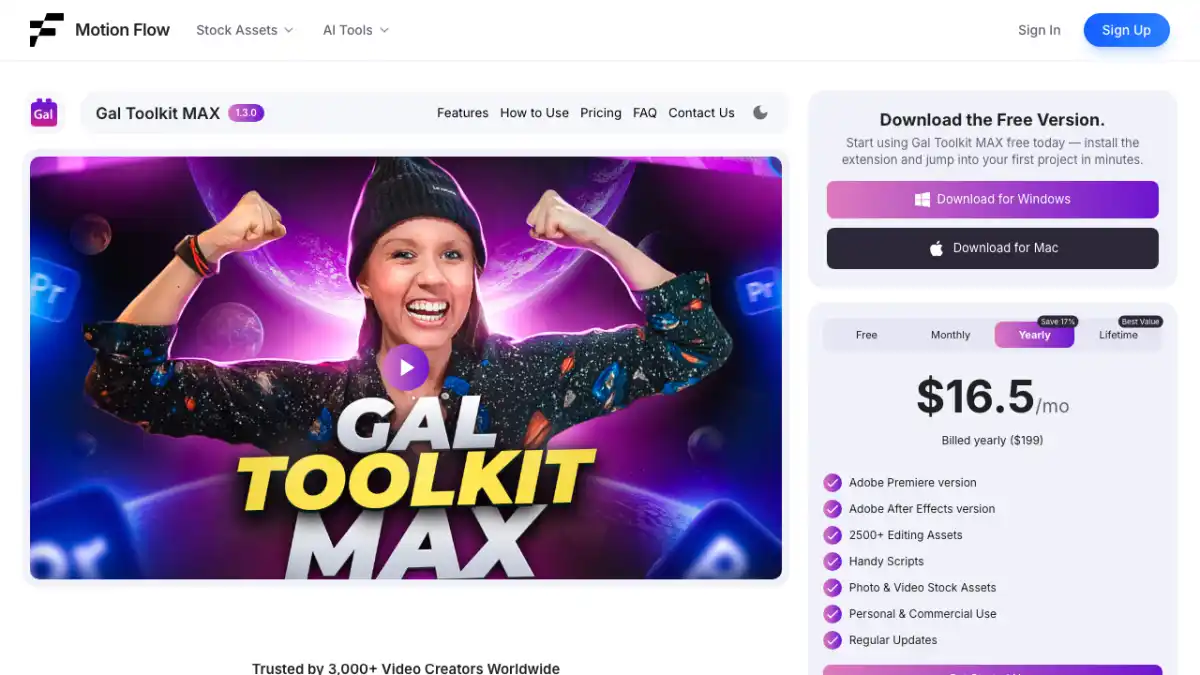
Premiere Gal Toolkit is the broad utility pick. Kelsey Brannan packages reusable presets, effects, transitions, graphics, and templates for editors who do not want to rebuild the same visual treatment on every job. It is most useful when your week includes several formats—YouTube videos, Shorts, explainers, and client social posts—and you need a reliable starting point for each one.
A large library is only useful if you can find what you need and change it to fit the channel. Treat these assets as editable building blocks, not a house style. The client should not be able to recognize the default preset pack in every upload.
- Best for: editors who need one broad pack for several formats
- Includes reusable graphics, effects, presets, and templates
- Useful for both newer editors and busy client editors
- Customize fonts, timing, colors, and motion to match the channel
4. Copy Pasta by Danny at Plugin Play
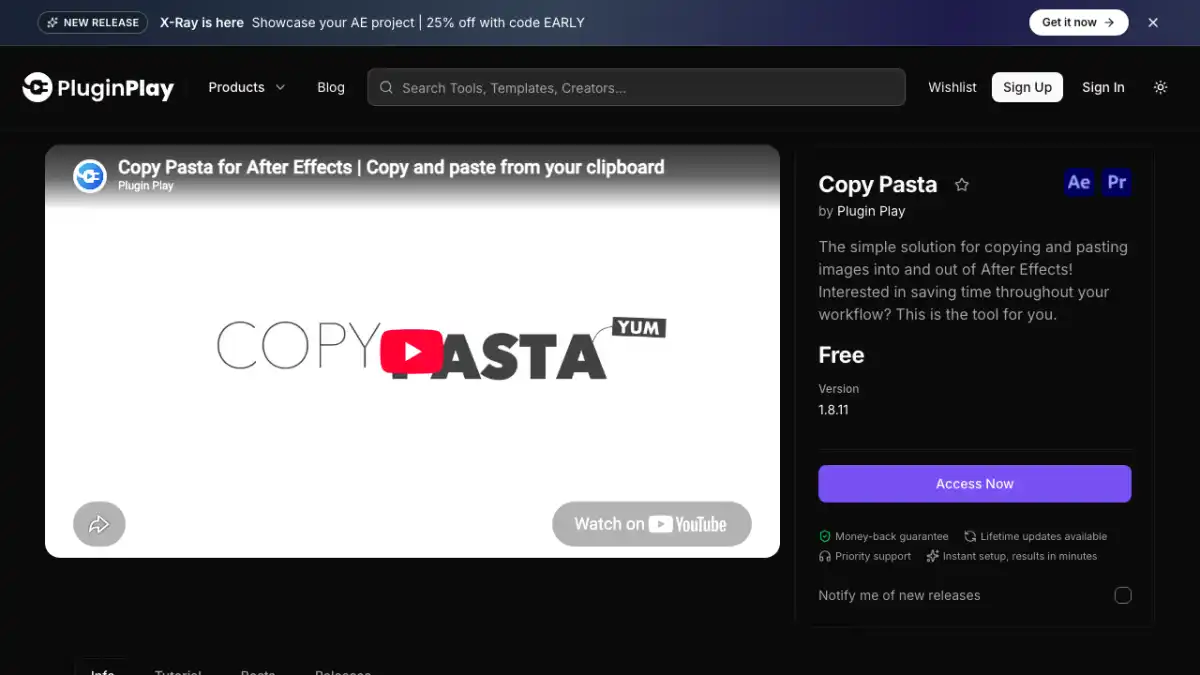
Copy Pasta fixes a tiny task that gets annoying after the twentieth screenshot. Danny built it so you can copy an image from a browser, message, or reference board and paste it directly into Premiere Pro. That skips the download, rename, import, and cleanup loop when you are adding memes, screenshots, product shots, or visual references to a creator edit.
It is not a giant AI editor, and that is the point. Freelance and YouTube jobs are full of small interruptions, and this removes a common interruption without changing how the timeline works.
- Best for: screenshots, memes, product images, and reference stills
- Pastes copied images directly into Premiere Pro
- Cuts out the temporary download-and-import step
- Simple enough to use on almost any creator project
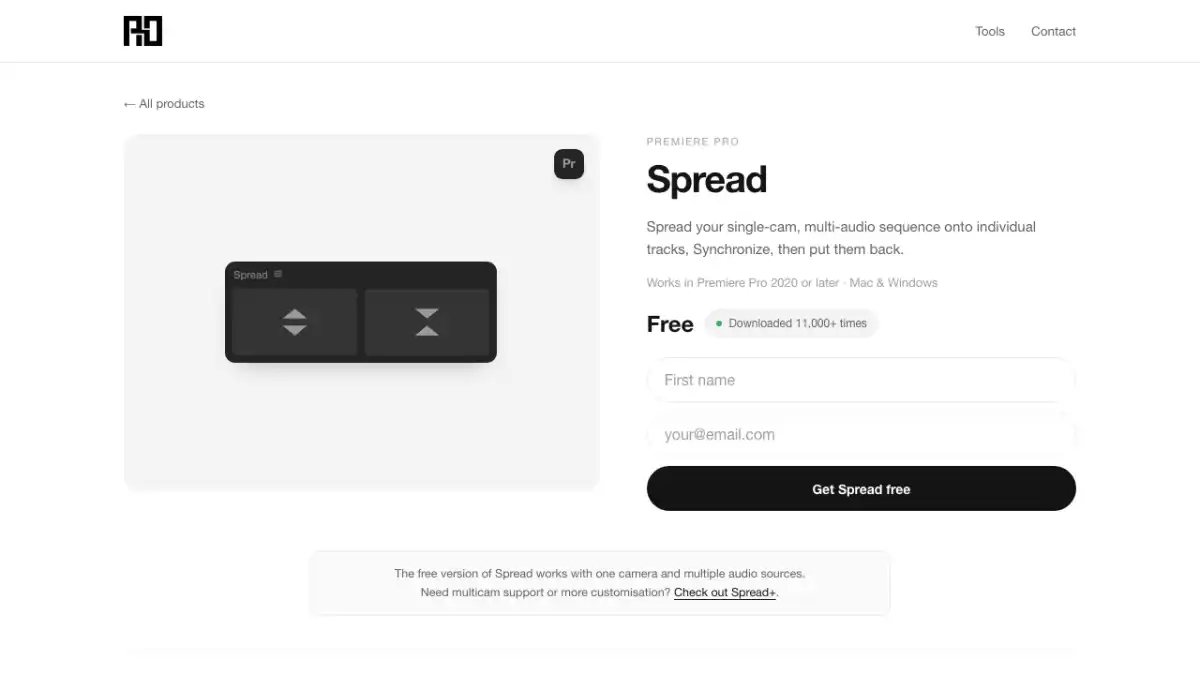
5. Spread by Rhys Obasi
Spread solves one specific multicam setup problem: clips that need to sit on separate video tracks before Premiere can synchronize them. Rhys Obasi’s extension distributes the selected clips across tracks, so you can continue with Premiere Pro’s normal sync and multicam tools. It does not switch camera angles or decide the edit for you.
This earns a high spot for agency, podcast, and interview editors because the task is dull, predictable, and easy to repeat incorrectly by hand. If you rarely receive multi-camera footage, you may never need it.
- Best for: preparing interview, podcast, and event clips for multicam sync
- Spreads selected clips across separate tracks
- Works before Premiere Pro’s regular synchronization step
- Narrow tool with a clear job
6. Dagger by Knights of the Editing Table
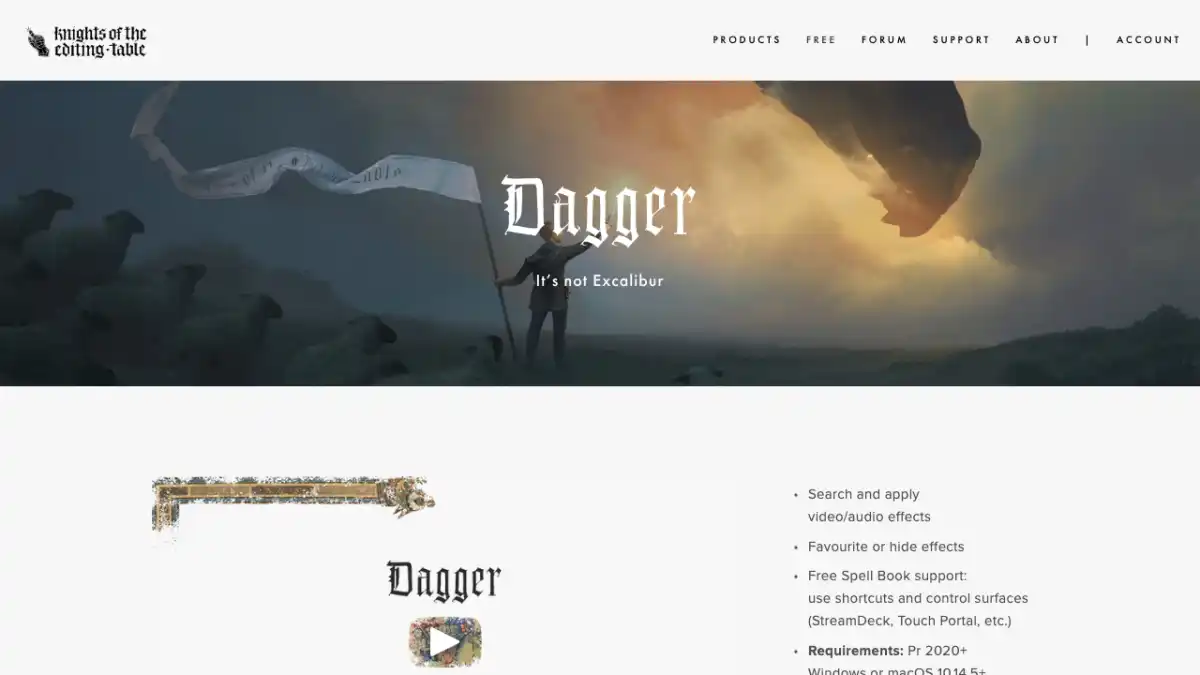
Dagger gives Premiere Pro a shortcut-driven way to search for an effect and apply it to the selected clip. That is useful once you know the effect you want and do not want to break focus by opening folders in the Effects panel. It is a small speed tool, not a creative decision-maker, so it ranks below plugins that remove a larger chunk of work.
Set the shortcut somewhere comfortable, type the effect name, and press Enter. Editors who touch dozens of clips in a session will feel the benefit more than someone making one or two effect changes.
- Best for: fast effect lookup and application
- Works well for editors who stay on keyboard shortcuts
- Does not choose the right effect for the edit
- Confirm current terms on the official page
The final paid-plugin tier list
| Tier | Plugin | Best for |
|---|---|---|
| S | AutoEdit Creator Mode | Dialogue-led first cuts inside Premiere Pro |
| A | FastFX | High-energy effects and transitions |
| A | Premiere Gal Toolkit | Reusable graphics and templates |
| A | Spread | Multicam preparation |
| B | Copy Pasta | Faster image handling |
| B | Dagger | Shortcut-driven effect search |
Tips
- Install the plugin that fixes a job you already repeat.
- Test it on a duplicate sequence with normal client footage.
- Count correction time before deciding a tool is faster.
Common mistakes
- Buying a plugin because the demo looks good but the task rarely appears in your work.
- Treating an automatic first pass as a finished edit.
- Using the default preset style on every client or channel.
Frequently asked questions
Will a Premiere Pro plugin finish the edit for me?
No. A useful plugin handles a defined job and leaves the result editable. The editor still owns story, timing, music, camera choices, graphics, sound, color, factual accuracy, client notes, and export.
Should I install every plugin on this list?
No. Start with the repeated task that wastes the most time on your real projects. Test one plugin on a duplicate sequence, check the result, and add another only when it solves a different problem.
How did you rank the plugins?
The ranking weighs how often the tool is useful, how clearly it solves one editing task, whether the result stays editable, and how much checking or cleanup it creates afterward.
Is FastFX useful for normal client work?
It is useful when the brief calls for music-video, sports, automotive, commercial, trailer, or aggressive social styling. It is not a default choice for a clean interview or restrained corporate edit.
Sources and verification
External product claims were checked against these first-party sources.
The plugin walkthrough shows AutoEdit, Dagger, DisplayX, Spread, Premiere Gal Toolkit, and Copy Pasta being used for real Premiere Pro jobs.
AutoEdit Creator Mode is the official page for the dialogue-led Premiere Pro editor.
FastFX by Tiny Tapes is Devin’s referral link for Jakob’s Premiere Pro effects panel.
Copy Pasta by Plugin Play is the official page for Danny’s image-pasting extension.
Premiere Gal Toolkit is the official page for Kelsey Brannan’s Premiere Pro toolkit.