Top 10 Alternatives to Submagic for Video Editors in 2026
Compare 10 Submagic alternatives for Premiere Pro, browser editing, podcast production, clipping, captions, and short-form video.


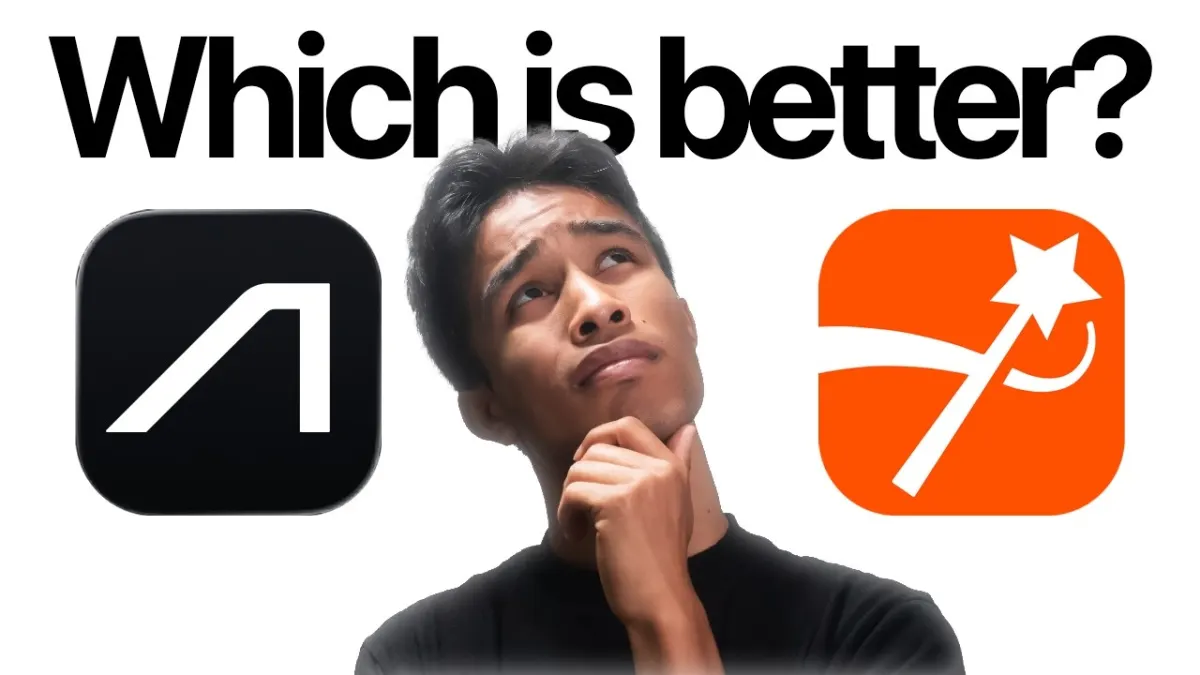
Submagic is built for fast browser-based short-form production, but that is only one kind of AI editing workflow. Some alternatives work directly inside Premiere Pro, some turn long recordings into social clips, and others provide a complete browser or mobile editor.
The video below compares AutoEdit and Submagic directly. The expanded guide then ranks 10 alternatives by editing surface, output, and ideal workflow. It was updated on October 27, 2026.
Quick Answer
The right Submagic alternative depends on where you edit and what you deliver. AutoEdit, FireCut, AutoCut, and AutoPod suit editors who want Premiere Pro workflows. OpusClip, CapCut, VEED, Captions, and Wisecut focus more heavily on browser, mobile, or social-first output, while Descript centers editing around text.
Video walkthrough
AutoEdit vs Submagic: AI video editor comparison
Watch this walkthrough to see the steps in Premiere Pro, then compare the demonstrated settings and results with your own footage before applying them to a full project.
Watch AutoEdit vs Submagic: AI video editor comparison on YouTube
The 10 best Submagic alternatives at a glance
Start with the editing surface you want to keep using. Premiere Pro plugins preserve a conventional project and timeline, while browser and mobile tools prioritize speed to a published asset.
| Alternative | Primary surface | Best for | Premiere Pro fit |
|---|---|---|---|
| 1. AutoEdit | Premiere Pro | Editable AI-assisted rough cuts and creator workflows | Native plugin |
| 2. FireCut | Premiere Pro and DaVinci Resolve | Podcast and talking-head automation | Native plugin |
| 3. AutoCut | Premiere Pro and DaVinci Resolve | Broad timeline automation | Native plugin |
| 4. AutoPod | Premiere Pro | Multi-camera podcast editing | Native plugin |
| 5. OpusClip | Web browser | Repurposing long videos into social clips | Export or handoff |
| 6. Descript | Desktop and web | Transcript-led audio and video editing | Separate editor |
| 7. CapCut | Desktop, web, and mobile | Creator-first social editing | Separate editor |
| 8. VEED | Web browser | Collaborative marketing video production | Separate editor |
| 9. Captions | Desktop, web, and mobile | Camera-first creator videos and captions | Separate editor |
| 10. Wisecut | Web browser | Lightweight automatic editing | Separate editor |
What is AutoEdit?
See how AutoEdit handles repetitive editing work inside Premiere Pro while keeping the resulting timeline editable.
Watch AutoEdit vs Submagic
Watch the full comparison to see how the two products approach AI-assisted editing and decide which environment matches the way you already work.
How we compared the alternatives
The ranking separates tools by workflow rather than treating every AI editor as interchangeable. We considered where the edit happens, whether the result remains editable, the footage each product is designed for, and how much work remains before delivery.
- Editing surface: Premiere Pro, another desktop editor, browser, or mobile.
- Output: an editable timeline, a finished export, or repurposed social clips.
- Primary workflow: talking heads, podcasts, long-form video, or social content.
- Handoff cost: whether editors must upload, export, relink, or rebuild work elsewhere.
Best Submagic alternatives for Premiere Pro editors
These options make the most sense when the editor wants automation without making a browser editor the center of the workflow.
1. AutoEdit: best for editable AI rough cuts in Premiere Pro
AutoEdit works inside Adobe Premiere Pro and returns an editable timeline. Creator Mode is designed for spoken-content workflows, while its other modes cover music videos and event recaps. It is the strongest fit here when an editor wants AI to create a reviewable starting point without replacing the Premiere project.
Choose it for talking heads, podcasts, tutorials, YouTube videos, music videos, or recaps that still need a human finishing pass in Premiere Pro.
2. FireCut: best for podcast and talking-head automation
FireCut offers editing automation for Premiere Pro and DaVinci Resolve. Its workflow focuses on repetitive talking-head and podcast tasks such as silence removal, captions, zooms, chapters, and multi-camera editing.
It is a practical candidate for editors who want broad timeline automation and need support beyond a single NLE.
3. AutoCut: best for a broad set of timeline utilities
AutoCut provides a collection of automated editing tools for Premiere Pro and DaVinci Resolve, including silence cutting, captions, zooms, podcast editing, and other timeline operations.
Consider it when the buying decision is driven by the breadth of utilities available inside a desktop editing workflow.
4. AutoPod: best for multi-camera podcasts
AutoPod is a Premiere Pro plugin focused on podcast production. Its multicamera editor, jump-cut workflow, and social clip tools make it the most specialized option in this list.
It is a strong fit when repeatable multi-camera podcast assembly matters more than a general-purpose AI editing assistant.
When Submagic is still the right choice
Submagic remains a logical choice for creators who want a browser-based workflow centered on captions, B-roll, zooms, silence removal, brand kits, and ready-to-post social formats. Switching tools only makes sense when another product better matches the editing surface or delivery process you actually need.
The verdict: choose the workflow before the feature list
Premiere Pro editors should begin with AutoEdit, FireCut, AutoCut, or AutoPod. Teams repurposing long recordings should evaluate OpusClip, while creators and marketers who prefer a browser or mobile workflow can compare Descript, CapCut, VEED, Captions, and Wisecut.
Test finalists with the same representative footage. Measure upload time, correction time, export or handoff work, and the quality of the editable result—not only how impressive the first automatic pass looks.
Tips
- Compare finalists using the same source footage and delivery requirements.
- Include upload, export, correction, and handoff time when measuring the faster workflow.
- Confirm current platform support and features on each product’s official site before purchasing.
Common mistakes
- Comparing feature names without considering where the final edit needs to live.
- Treating an automated first pass as a finished edit without reviewing it.
- Choosing a social clipping tool when the deliverable must remain an editable Premiere Pro project.
Try the workflow
Free tools for this article
Use the most relevant free tool for the task, then continue with the rest of your edit.
 Free Podcast Name GeneratorGenerate podcast-name directions that fit the topic, host, and audience.
Continue in Premiere Pro
Explore AutoEdit Creator Mode
Build an editable starting point, then keep creative control of the timeline.
Explore AutoEdit Creator ModeFrequently asked questions
Is AutoEdit a browser-based video editor?
No. AutoEdit works as a plugin inside Adobe Premiere Pro and produces editable timelines in the Premiere project.
Is Submagic a Premiere Pro plugin?
Submagic is primarily a browser-based short-form video editor rather than a dedicated Premiere Pro panel.
What is the best Submagic alternative for Premiere Pro?
AutoEdit, FireCut, AutoCut, and AutoPod all serve Premiere Pro workflows. AutoEdit is the strongest fit when you want AI-assisted rough cuts and broader creator workflows to remain editable inside Premiere Pro.
What is the best Submagic alternative for repurposing long videos?
OpusClip is designed specifically to find moments in long recordings and turn them into reframed, captioned social clips. Compare its output with Submagic using the same source recording.
Are there mobile alternatives to Submagic?
CapCut and Captions both offer creator-oriented experiences beyond the browser, including mobile workflows. Check their current platform availability before choosing.
Sources and verification
External product claims were checked against these first-party sources.
The AutoEdit vs Submagic video comparison demonstrates the workflow comparison summarized in this article.
Submagic’s official feature overview describes its browser-based short-form editing features.
FireCut’s official site describes its Premiere Pro and DaVinci Resolve editing tools.
AutoCut’s official site lists its automated editing tools and supported editors.
AutoPod’s official site describes its Premiere Pro podcast-editing plugins.
OpusClip’s official AI editor page describes its clipping, reframing, caption, and publishing workflow.
Descript’s official video editor page describes its text-based video editing workflow.
CapCut’s official video editor page describes its browser-based creator editing tools.
VEED’s official video editor page describes its browser editing and collaboration features.
Captions’ official site describes its creator-focused video tools.
Wisecut’s official site describes its automatic browser editing workflow.