
01
Choose your source
Use the file picker or drag one file onto the upload area. Check the supported formats and file limits before selecting.

Check your source video locally, then continue in Premiere Pro to adjust export quality and file size. Browser compression is not available on this page yet.
No account to preview · Your media stays private
MP4 / MOV · Up to 250 MB
Create an account on the next step. Adobe Premiere Pro required.
Your clip stays on your device. This is a source preview; no video has been uploaded or processed. Continue with AutoEdit for Premiere Pro to process your file.

Once you have chosen the footage, use AutoEdit inside Premiere Pro to remove repetitive setup work. Build the first cut, review the decisions, and keep the timeline editable.
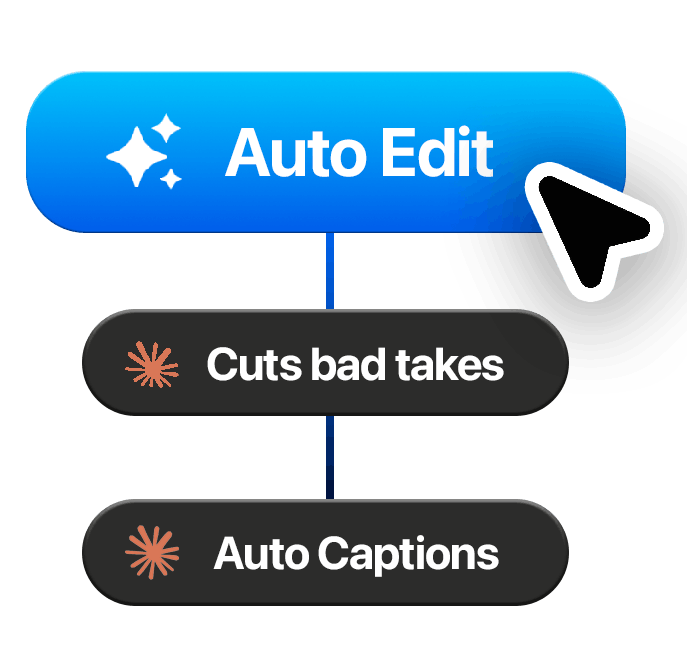
Remove long pauses and review repeated takes before they slow down your rough cut. Keep the delivery and context that make the speaker sound natural.
Apply editable captions and motion graphics in Premiere Pro. Adjust text, timing, and placement to match the story and the platform.
Review your edit before delivery. You stay responsible for the hook, pacing, music, client notes, and final export.
AutoEdit is an editing assistant inside Premiere Pro. Use the result as a starting point, make your changes, and finish in the same project.
01
Use the file picker or drag one file onto the upload area. Check the supported formats and file limits before selecting.
02
Play, pause, scrub, and check the original source locally. There is no background upload or simulated processing.
03
Create an account, download AutoEdit, and import your original media in Premiere Pro to continue.
No. Your selected file stays on this device. The preview uses your browser, and no raw media is stored on a server.
You create an AutoEdit account, then download the plugin from your dashboard and open it inside Adobe Premiere Pro. Import your original file into Premiere Pro; the browser preview is not transferred. Feature availability and processing limits depend on your plan.
Not yet. These video pages preview your original source. Captions, transcription, editing, and export happen in Premiere Pro. The image compressor is a working browser tool that exports WebP images.