
AUTOEDIT MCP
Edit Content 10x Fasterin Claude with AutoEdit
 Claude with AutoEdit
Ask about your cuts, find templates, and write titles and descriptions. All from your AI chat.
Connect MCPMCP reads existing edits. Editing runs in Premiere Pro.
Connect Claude Code
01Copy the setup command
You will use it in the next step.
claude mcp add --scope user --transport http autoedit https://mcp.autoeditai.net/mcp02Open your terminal
Run this command in your terminal. The connection is then available in every project.
03Connect and allow access
Follow the steps below. Review what your app may read, then click Allow on the AutoEdit page.
See what to askFull setup steps for Claude Code
- Run this command in your terminal. The connection is then available in every project.
- Start Claude Code, run /mcp, choose autoedit and start the sign-in.
- Sign in to AutoEdit in the browser window that opens, check what the app may read and click Allow.
https://mcp.autoeditai.net/mcpJust ask AutoEdit.
Your edit details, right in your chat.
Example answer
I can read the cut decisions from your AutoEdit edit and explain why each section was removed. Your video stays on your computer.
AutoEdit tools Your edit in Premiere Pro
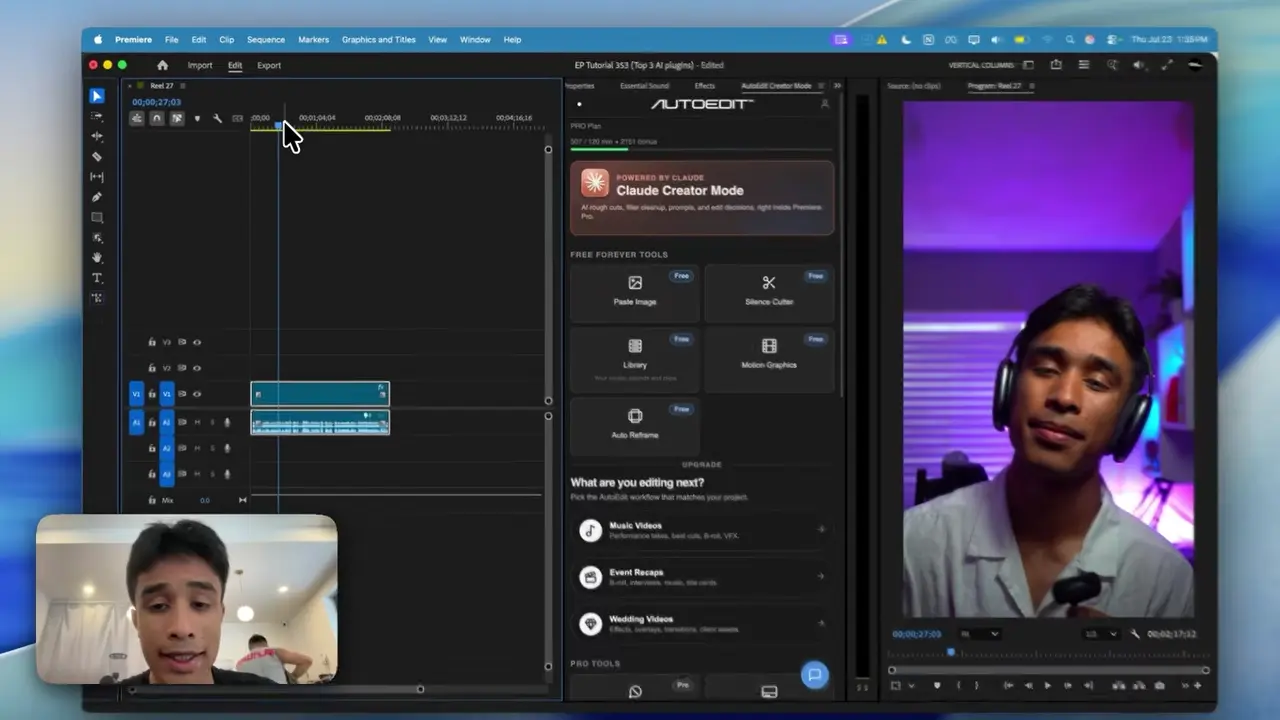
Real plugin screenshot. Make edits in Premiere Pro, then ask your connected AI app about them.
TWO WAYS TO USE AUTOEDIT
Edit in Premiere.
Chat from your AI app.
The Premiere Pro plugin
Cut footage, add captions, and build your video inside Premiere Pro.
The MCP connection
Ask your AI app about AutoEdit cuts, transcripts and templates. MCP cannot change your timeline yet.
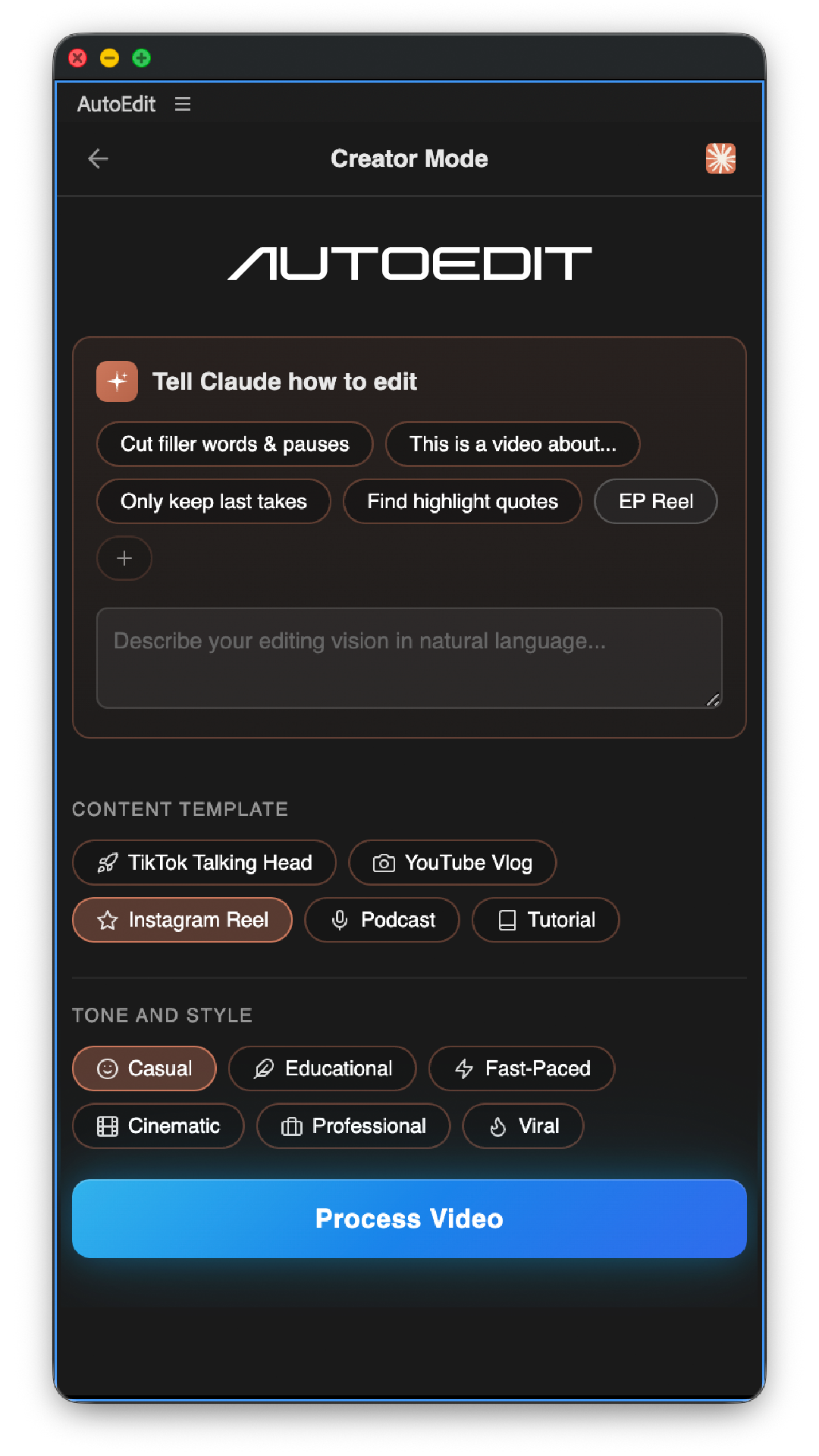
INSIDE THE PREMIERE PRO PLUGIN
Add captions. Keep editing.
This is the same instant captions tool in AutoEdit. Pick a style, add it to your video, and finish the edit in Premiere Pro.
The MCP connection reads your edit details. Caption tools run in the plugin.
See how captions workSee AutoEdit in action.
Watch Devin walk through Creator Mode in Premiere Pro.
This video shows the plugin. Use the setup box above to connect your AI app through MCP.
Watch the tutorial
Questions?
What is MCP?
It is a way to connect your AI app to AutoEdit. Your chat can read the AutoEdit information you allow it to use.
Can Claude control the plugin?
Not yet. The current MCP connection can read existing edits, explain cuts, use transcripts with your permission, and search templates. To make or change edits, use the AutoEdit plugin in Premiere Pro.
Can I connect Claude or VS Code?
The app tabs show what is available. Claude, ChatGPT, Claude Code, Cursor CLI, Codex and VS Code have working connections.
Does my video get sent to my AI app?
No. Your video stays on your computer. The app can read edit text, cut decisions and any transcripts you allow. That information is processed by the app provider.
Can I use it before my first edit?
Yes. Ask about the sample edit called demo, or search the template library. Older edit results can expire. Plus template downloads need a plan that includes them.
How do I disconnect?
Open AI connections in your AutoEdit dashboard and disconnect the app. Its access stops right away.